
Teachers
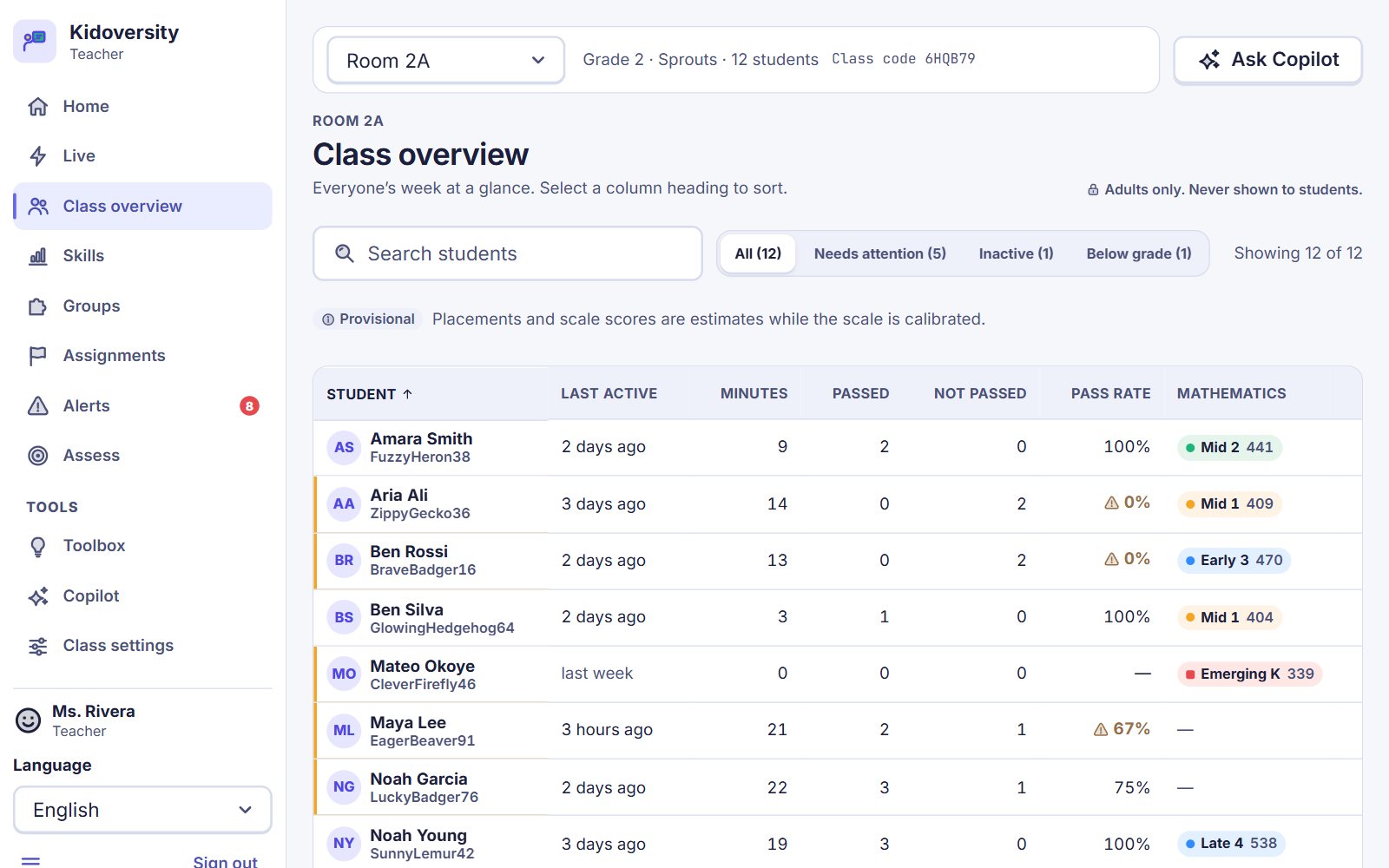
See the whole class at a glance: who is flying, and who needs a hand today. Set work, form small groups, print practice sheets and run a lesson live.
Review prerelease 1
Kidoversity turns school, from kindergarten to grade 12, into a world of islands to explore. It began as a present from a dada to his son. Now it is for every child.
The app opens on a made-up school, so you can look around as a child, a teacher or a parent. There is nothing to sign up for.
The world
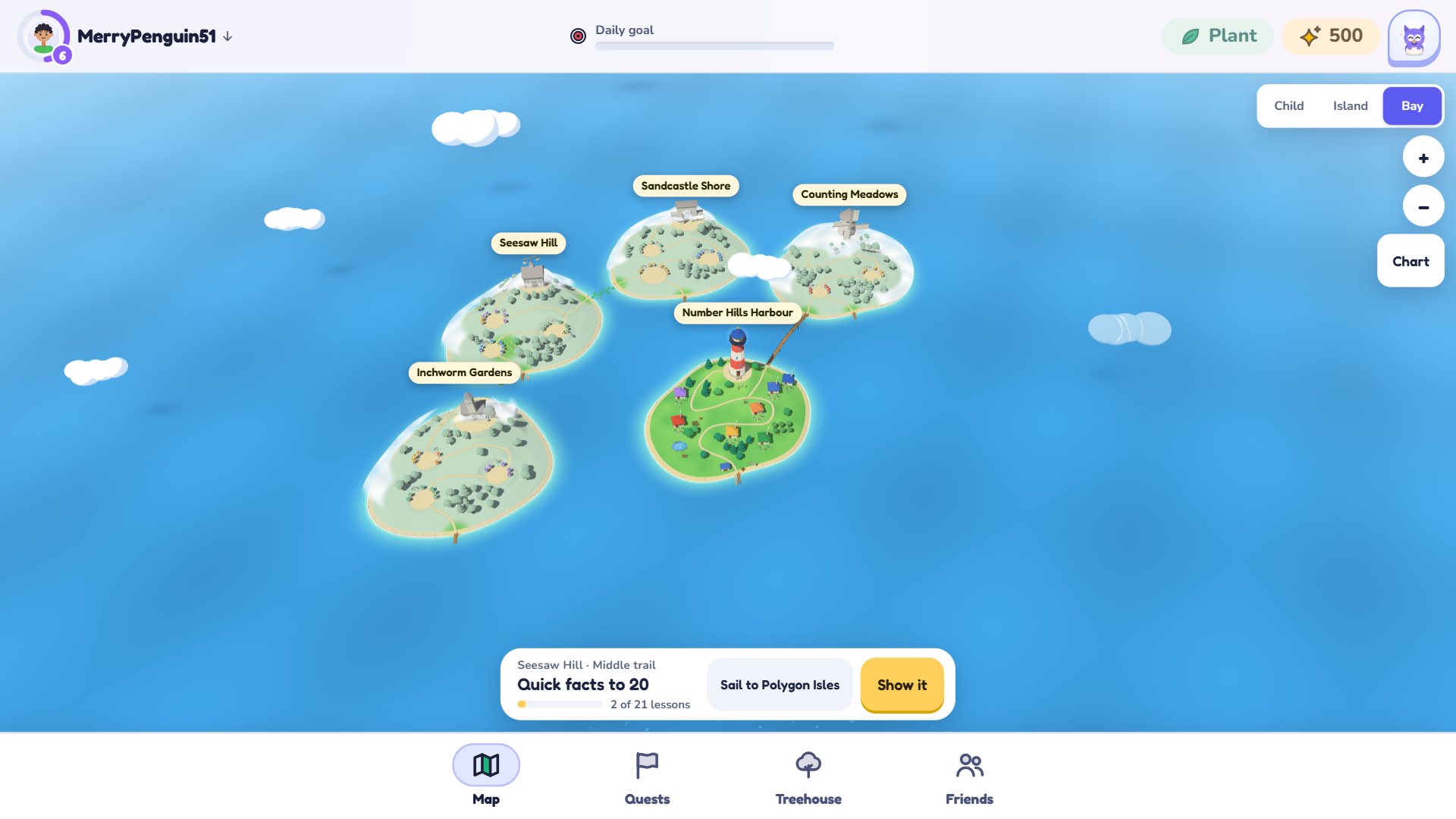
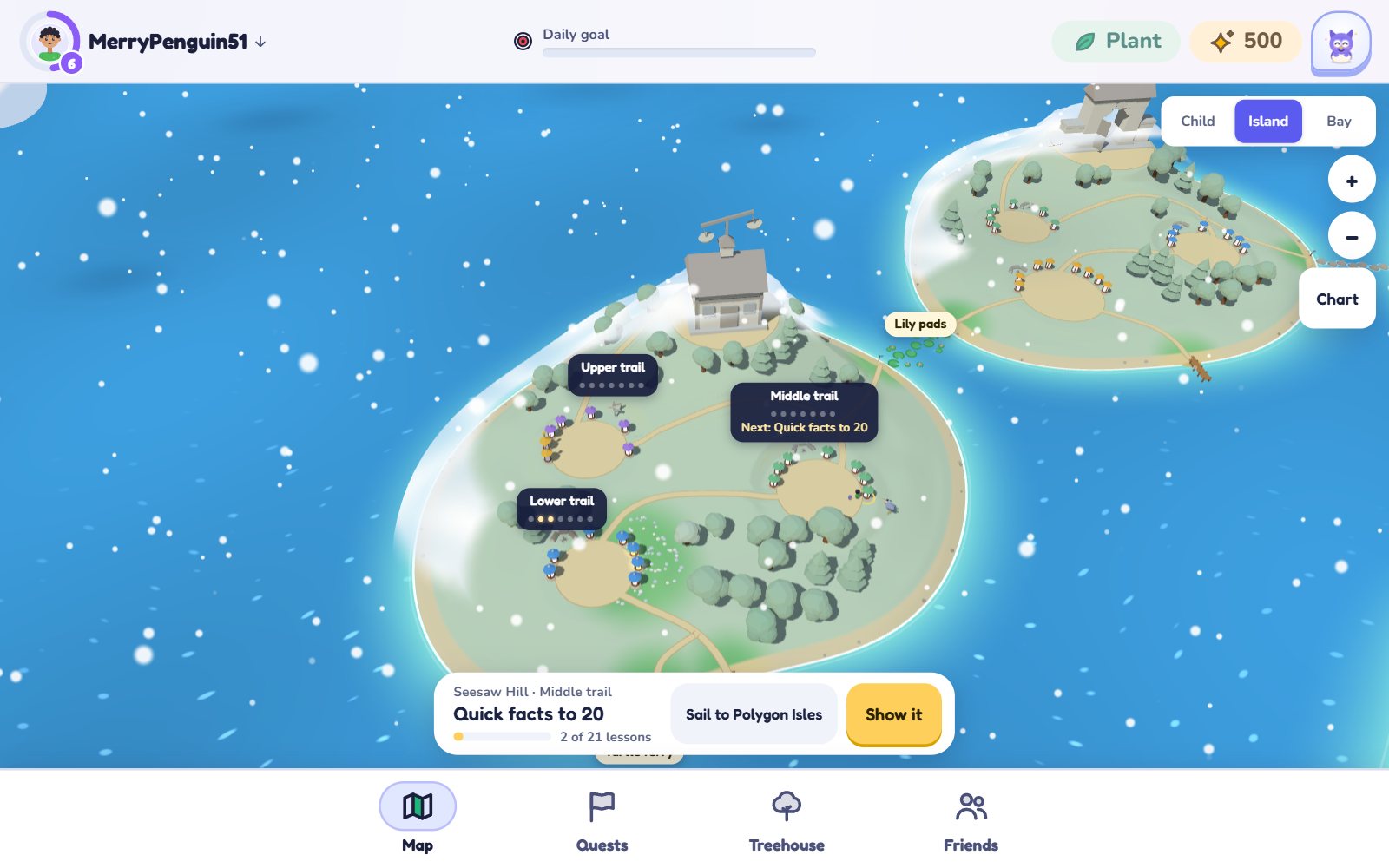
Children do not open a list of exercises. They arrive on an island, look around, and choose where to walk.
Each subject is a land of islands. A child walks where they like: over bridges, stepping stones and lily pads, or by boat from the harbour.
Finishing a lesson lights its lantern, and the mist lifts from the next stretch of the path. A lantern, once lit, never goes dark again.
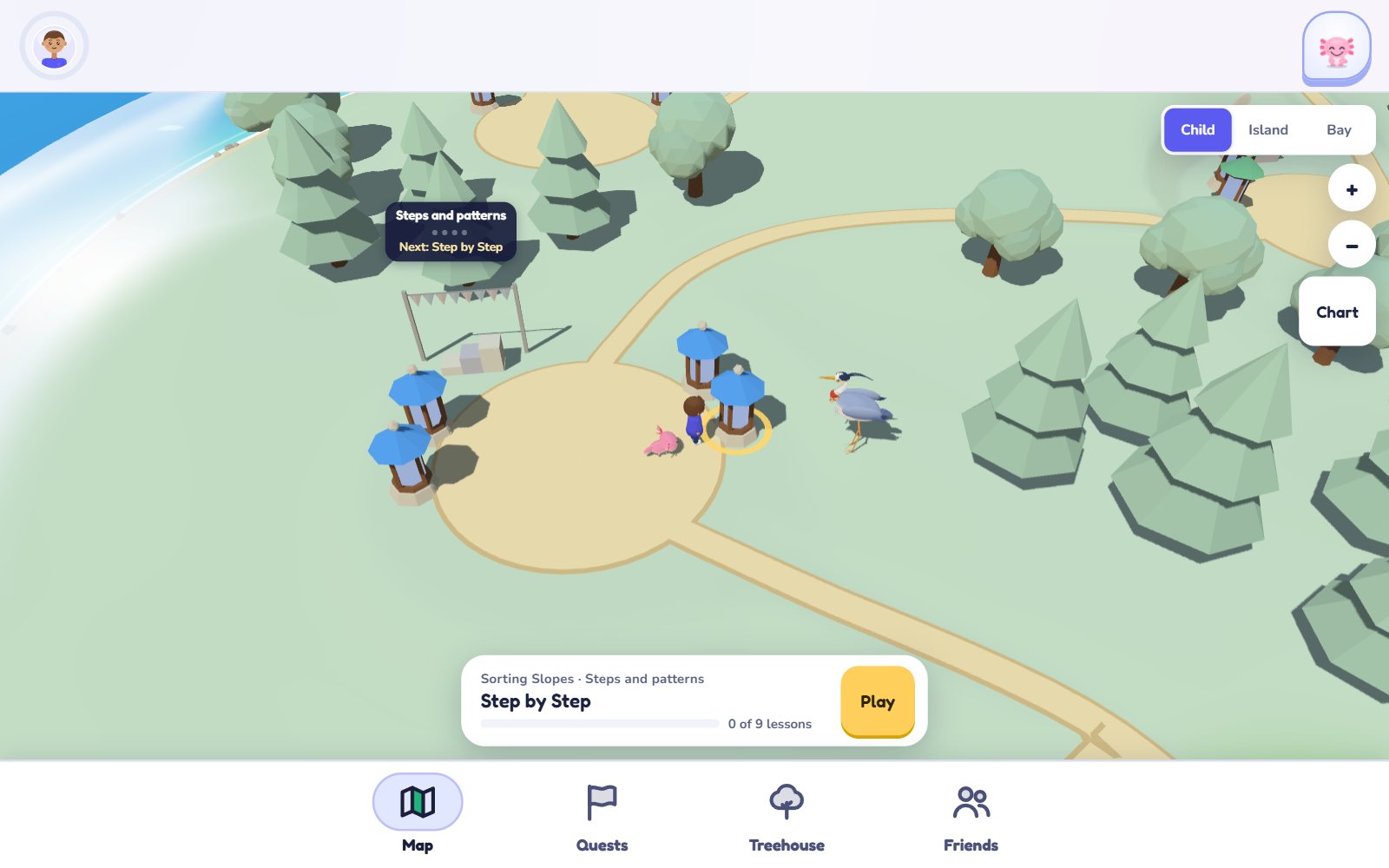
A heron shows the way and waits at the next step. A companion of the child’s own choosing comes along: a fox, an owl, a robot, an axolotl, a dragon or a sloth.
The isles have their own spring, summer, autumn and winter, and their own rain and snow. They are made on the child’s device from the calendar. The app never asks where a child is.
The learning
Behind the islands is a careful teacher. It knows what each child has learned, and what should come next.
A short, friendly check finds the right starting point. From there the path changes with every lesson the child does.
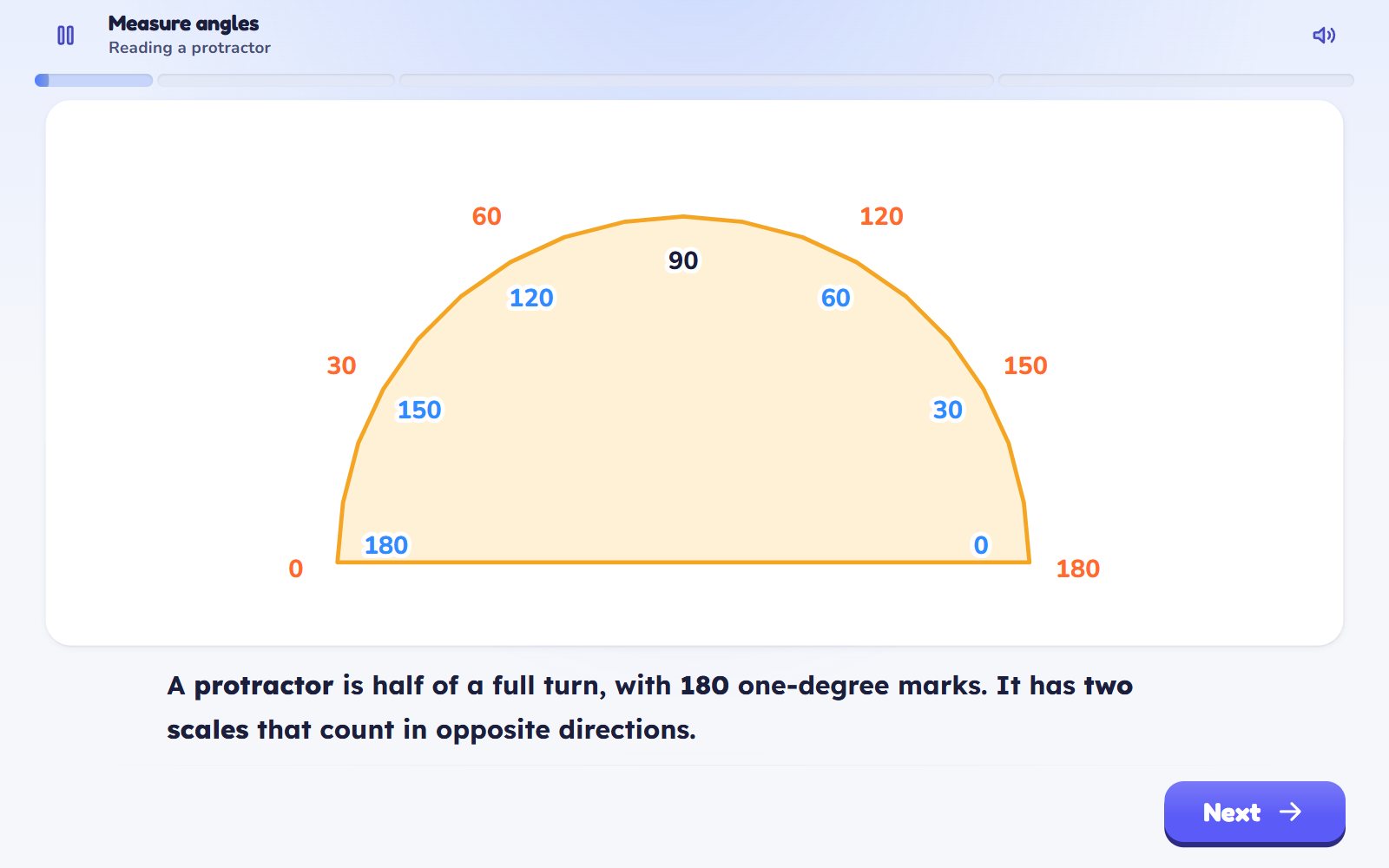
Every lesson shows the idea first, with pictures and things to move. The questions come after.
What was learned returns a few days later, and again after that, until the child truly knows it.
When a child is stuck, the Guide gives a small nudge, then a bigger one. The answer itself comes only after the hints.
For grown-ups
Teachers, families and schools each have their own room, in plain words.
See the whole class at a glance: who is flying, and who needs a hand today. Set work, form small groups, print practice sheets and run a lesson live.
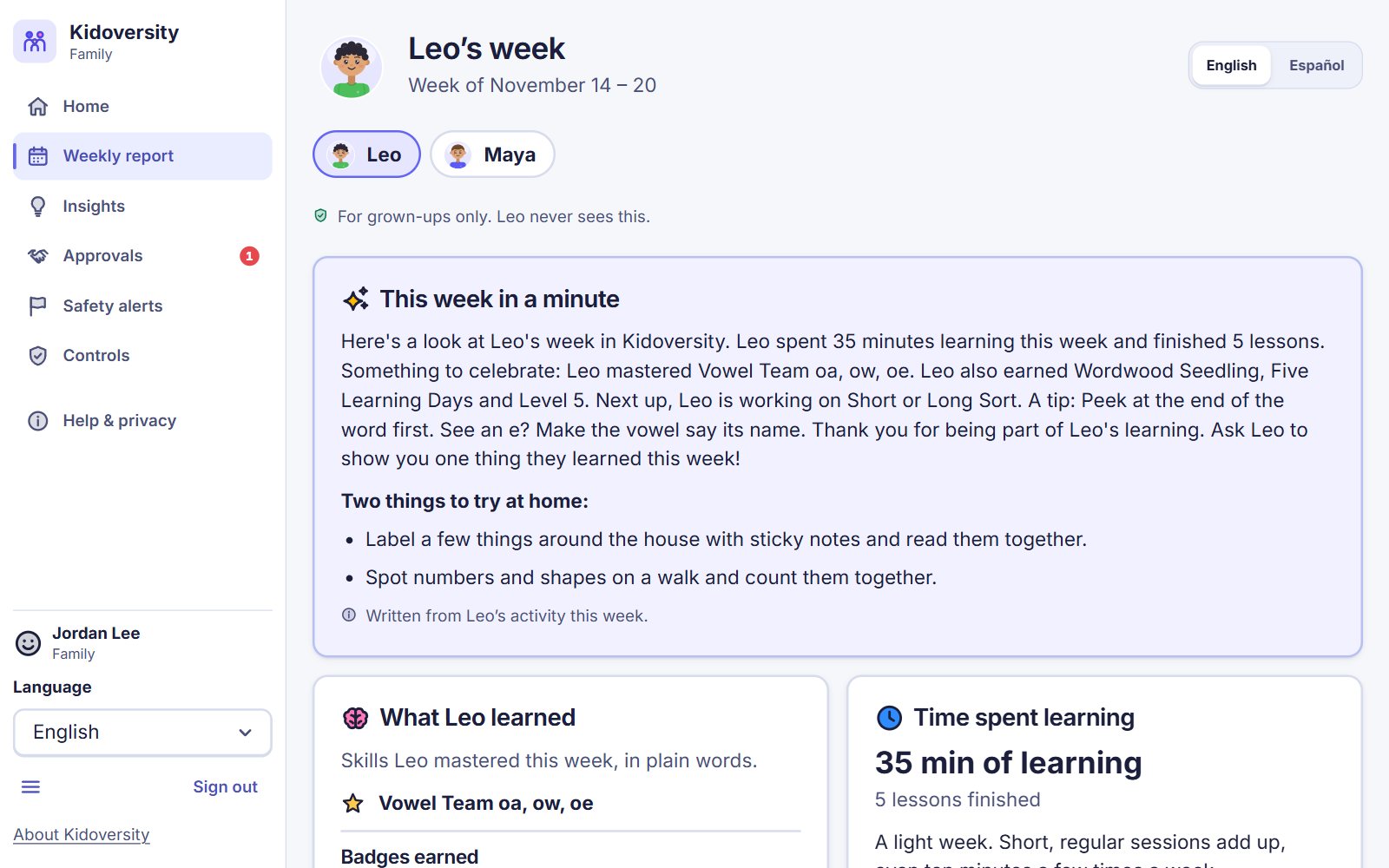
A report you can read without a guide to the charts. Approve friends, set limits on time, and switch any feature off.
Rosters and a safety queue in one office. If a child says something worrying, it reaches the school’s safeguarding lead and nobody else.
Promises
These are rules the app is built on. They are not settings somebody can forget to switch on.
Our story
Kidoversity began as a present from one dada to one little boy.
He wanted his son to have a place where learning feels like an adventure: a world to explore, lanterns to light, a patient guide who never hurries him, and nobody keeping score over his shoulder. So he sat down and started to build it, with a great deal of love, for exactly one child.
That is still the reason for everything here. Every island, every lesson and every kind word was made for him first.
But love is one of the few things that grows when you share it. What was made for one child is now for every child, and for the grown-ups who love them: mums and dads, grandparents, teachers.
If a child lights up here, or asks for “just one more”, the dada’s wish has come true again.
With love,
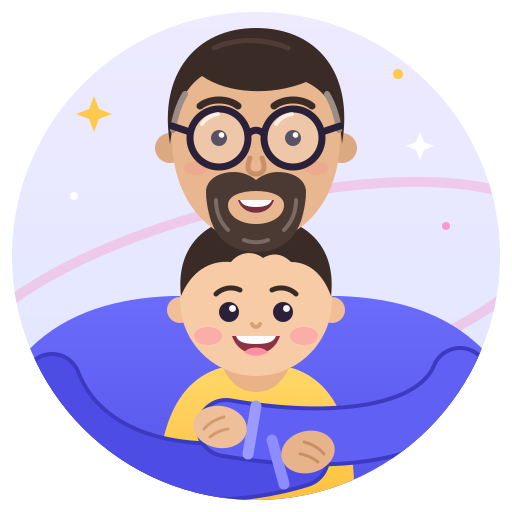
Dada (the one with the beard and the glasses) and his favourite explorer
Where it stands
Kidoversity is not open yet. What you can visit today is a first look for invited reviewers.